
Switching
Switching gym software, without losing a week
Bring your member list as a spreadsheet and your members can have their invites the same day. Importing it yourself is free. If you'd rather hand it over, we'll load it for you for $200 once.
How the member import works
- Export your listDownload your members from your current system as a CSV or Excel file. Names and email addresses are all that's needed.
- Upload itIn GymSync, a coach opens Import a member list and chooses the file, or pastes the list in.
- Check the previewYou see exactly who was read and which lines were left out, and why, before anything is saved.
- Send the invitesGymSync makes an invite link for each person, good for 30 days, and emails it when your gym has email set up. You can always download the links and send them yourself.
For your members
Joining takes about a minute
- Open the link. It goes straight to your gym, with your name and logo on it.
- No password. Their phone makes a passkey with Face ID, fingerprint or PIN.
- Add it to the home screen. It installs from the browser on iPhone and Android. There's no app store to search.
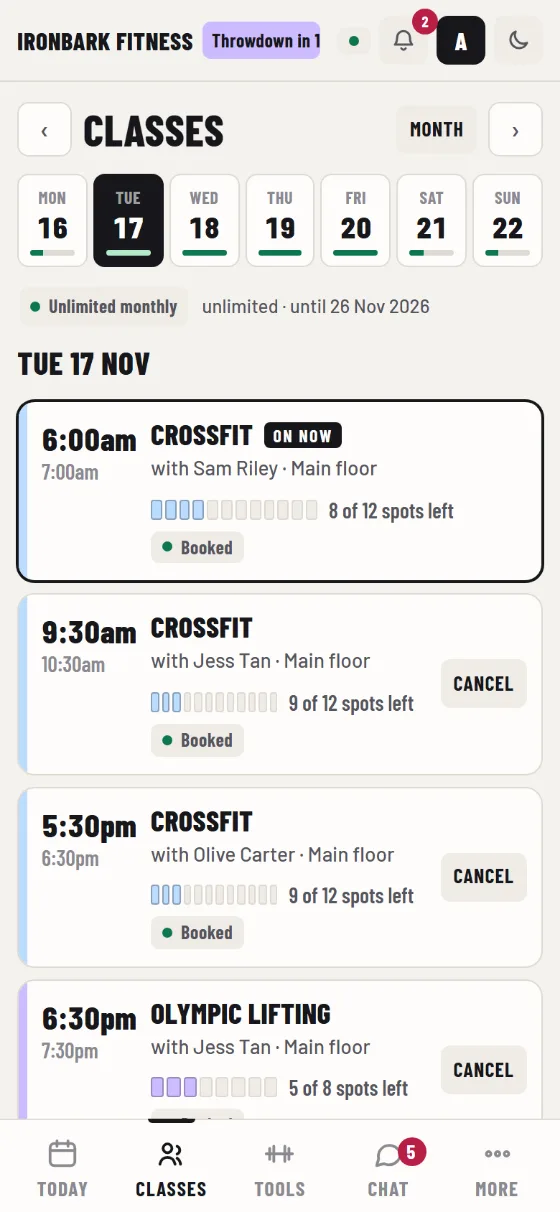
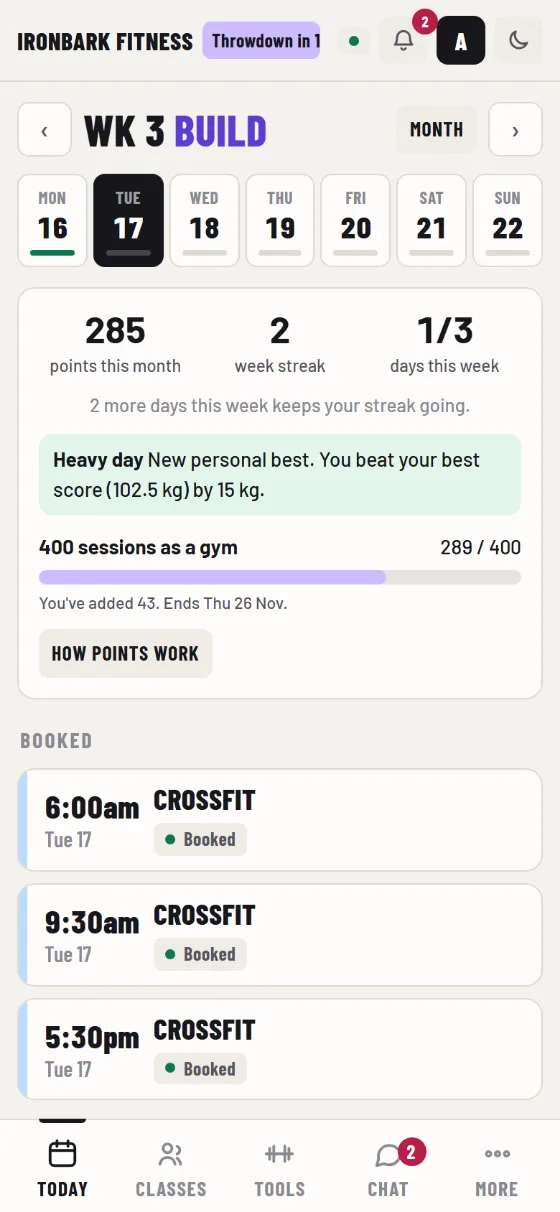
- Book a class. The timetable is there as soon as they're in.
Free, or done for you
Do it yourself, free. The import is part of the app on every plan. Most gyms finish it in a few minutes.
Have us do it, $200 once. Send us the spreadsheet. We tidy it, load it, and tell you about anyone we couldn't bring across. The price includes GST and is charged once, with your first month.
A sensible order for the move
- Set up the gym first. Add your name, logo and colour, your class timetable and your membership types. A setup guide in the app walks the owner through each step.
- Invite your coaches. Let them look around for a few days, run a class roster and post a workout.
- Import your members. Send the invites at a quiet time, and tell people in class that the link is coming.
- Give each member their membership. Add the membership or class pack they're on, with the date it runs to, so bookings work from day one.
- Run both for a short overlap. Keep your old system until the end of its billing period, then cancel it.
What comes across and what doesn't
The import brings your people: names and email addresses, each with an invite. Their memberships are added in GymSync, and you choose the plan and end date for each.
History held in your old system, such as past bookings, old invoices and workout scores, stays there. Download whatever reports you need for your records before you cancel. Stored card details can't be moved between systems either; members pay their next invoice in GymSync.
If you change your mind
Your gym's data is yours. You can ask for an export at any time, and members can download their own data from their account. The terms set out what happens when a subscription ends.
What it costs
$99 a month with every feature and unlimited members, or $49 a month for life for founding gyms. See pricing, or see every feature.
See where you'd be moving to
Open the demo gym as the owner and look at the reports, the timetable and the member list. No sign-up needed.